What a quote engine actually does
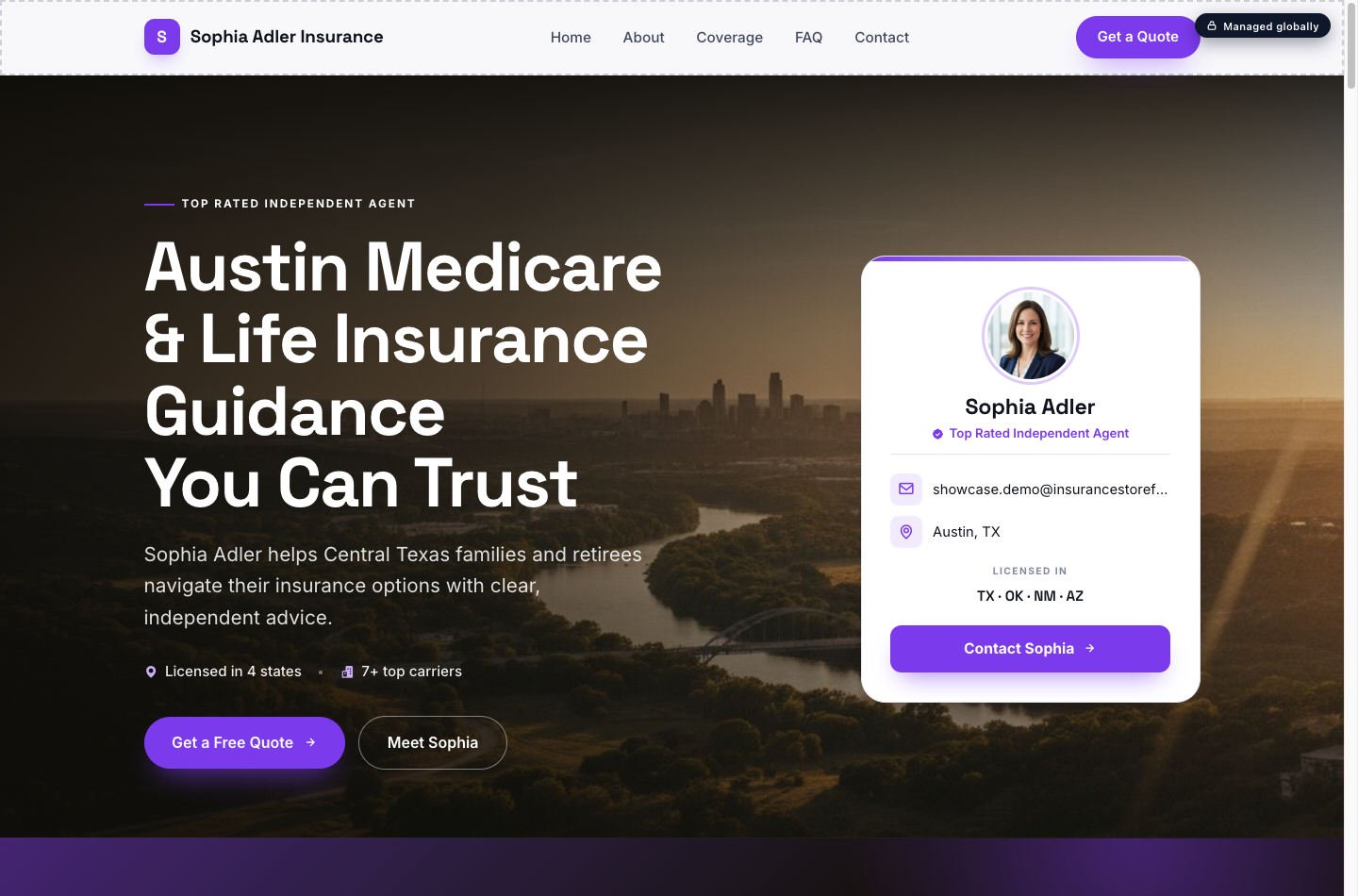
A quote engine is an interactive tool you can embed on your Insurance Storefronts marketing profile and on your storefront website. Think of it as a helpful assistant that lets prospects explore their options and get a preliminary quote, all on their own schedule. Here’s how it works:
- A prospect visits your profile or website and clicks on a quote engine.
- They enter a few details about themselves and what they're looking for.
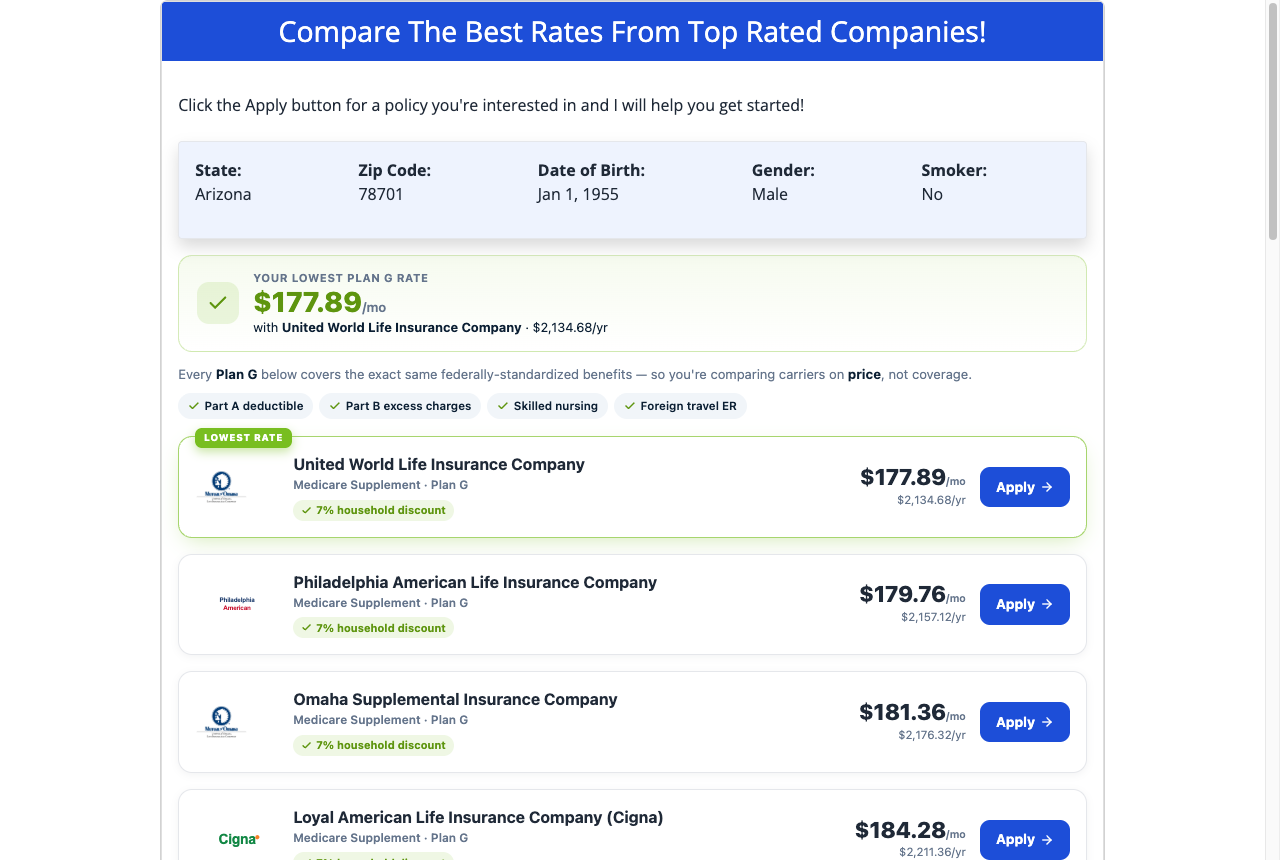
- The engine instantly shows them real plan and quote options based on their input.
- To get the full results or to have you follow up, they then enter their contact information.
The beauty of a quote engine is that it opens in a clean pop-up (a modal window), so it works seamlessly wherever you place it on your digital presence. Every quote engine you create belongs exclusively to you. The leads it captures go directly to you and never into a shared pool, ensuring you have immediate and sole access to every prospect who uses it.
The 5 quote engines you can build
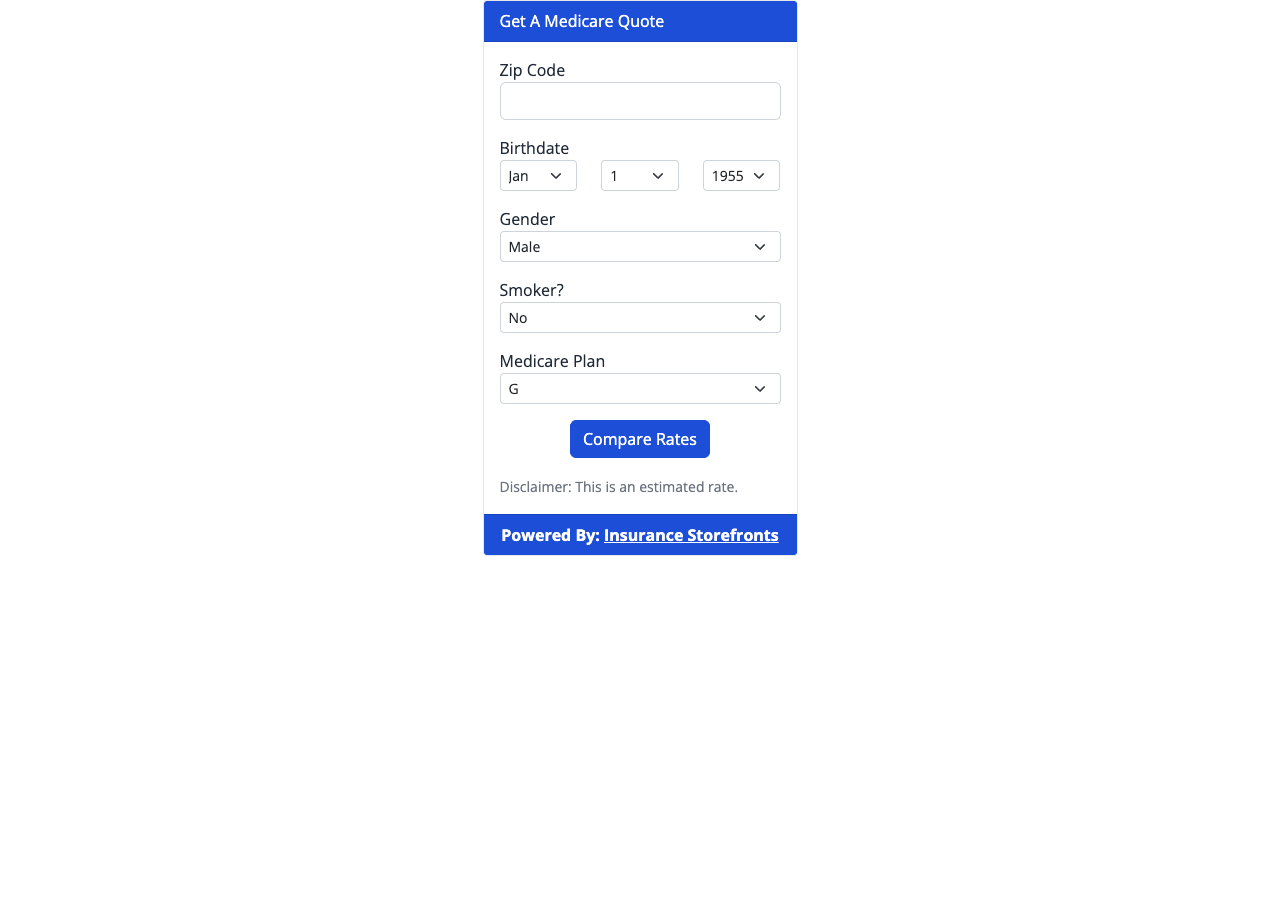
Insurance Storefronts allows you to build specific quote engines tailored to the products you sell. Each engine is designed to capture leads for a particular type of insurance. You can run more than one type of engine simultaneously – for example, a Medicare engine and a Final Expense engine – and choose which one displays for each corresponding product on your marketing profile.
Here are the five types of quote engines you can create:
- Term Life: This engine is designed to quote term life insurance coverage.
- Final Expense (FEX): Use this engine to quote simplified-issue final expense or whole life insurance.
- Medicare: This engine helps prospects get quotes for Medicare plans, including Medicare Advantage and Medicare Supplement plans.
- ACA Health: For individuals seeking health insurance, this engine quotes individual and marketplace (Affordable Care Act) health plans.
- Dental: This engine provides quotes for individual dental plans.
Building your first quote engine
Creating a quote engine is straightforward and doesn't require any coding. Here's a step-by-step guide to building your first one:
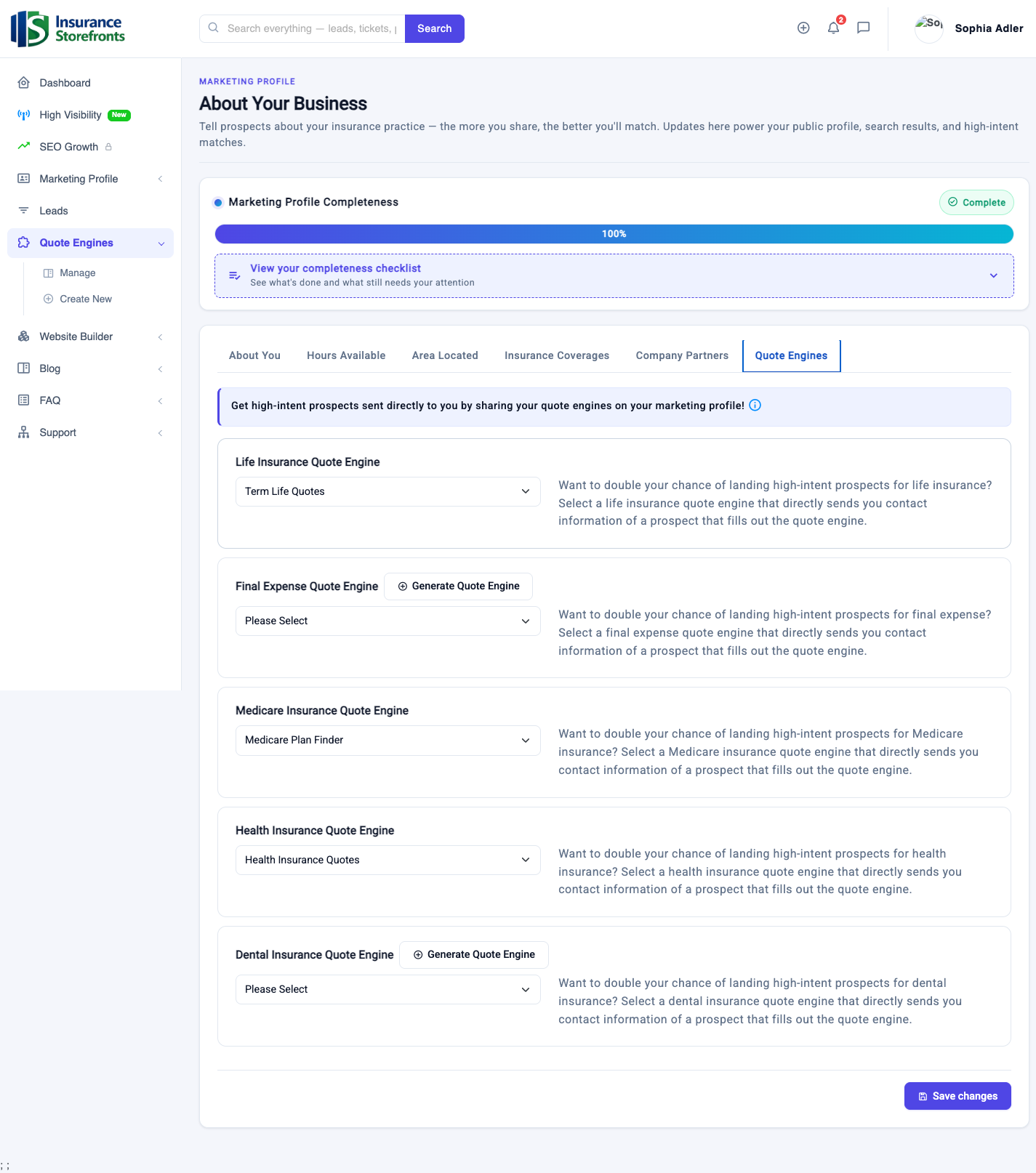
- Navigate to the Quote Engines area: From your dashboard, open the Marketing Profile section and then click on Quote Engines.
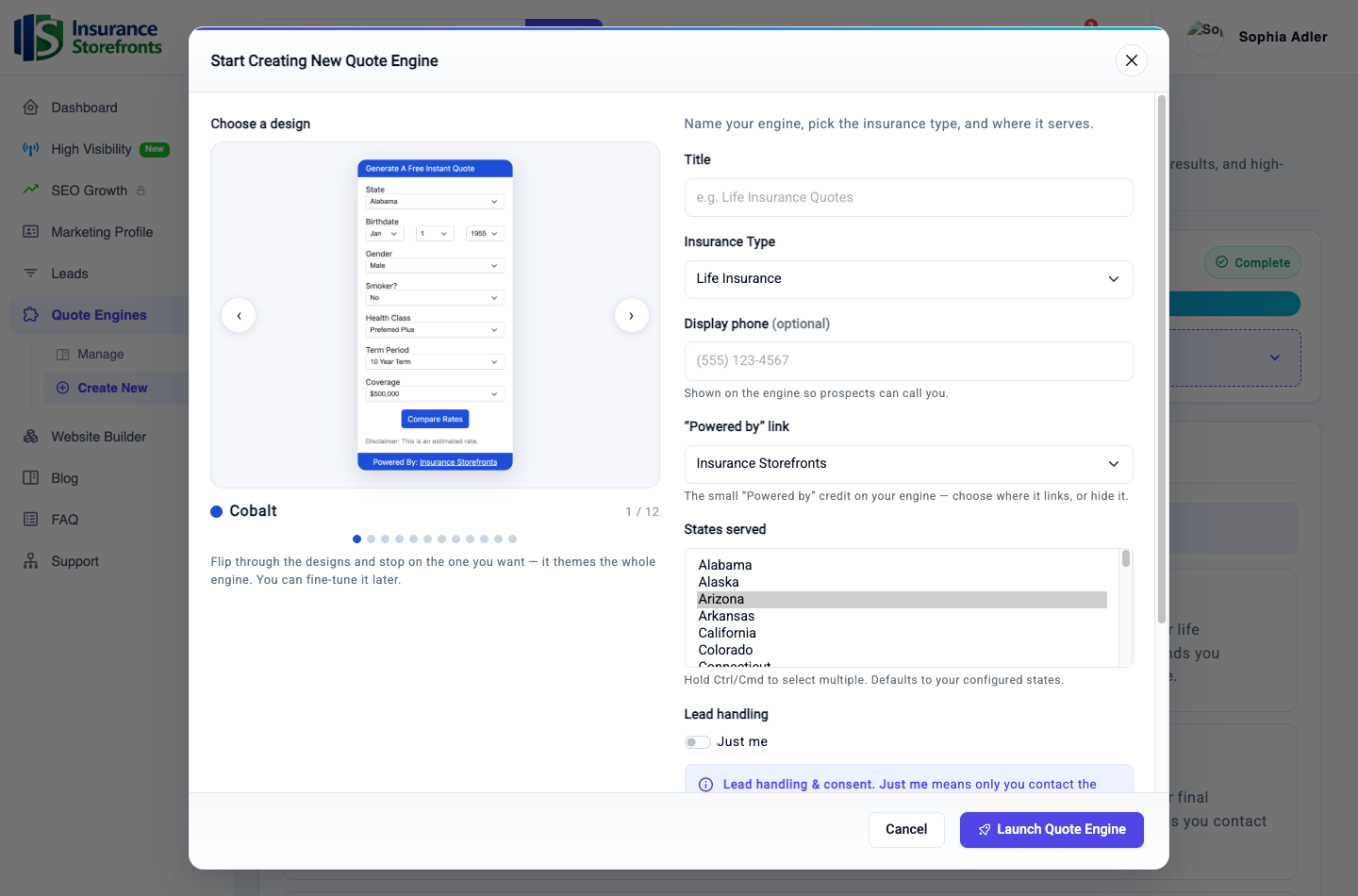
- Start a new engine: Click the "Create New" button.
- Choose your engine type: You'll be prompted to select which of the five engine types you want to build (Term Life, Final Expense, Medicare, ACA Health, or Dental).
- Set your states: The engine will automatically default to the licensed states and carriers you've saved in your global settings. However, you have the flexibility to pick specific states for this particular engine if needed.
- Carriers are automatically pulled: The carriers you represent for that specific product type will be automatically pulled in from your existing settings, ensuring accurate quotes.
- Choose a design/skin: For the ACA Health and Dental engines, you'll find several polished result themes available. Select a design that best matches your brand and aesthetic.
- Display on your profile (optional): You'll see an option to toggle "display on my profile." If you enable this, this engine will become the one shown for its respective product on your public marketing profile, allowing visitors to quote directly from there.
- Save and generate: Click "Save," and your engine will be generated instantly. It will include its quote form, results screens, and thank-you pages, all ready to go.
You can create additional engines for other product types by following the same steps. You can also edit or restyle your existing engines anytime from the Quote Engines area.
How leads reach you — instantly and directly
The moment a prospect completes a quote engine, that lead is captured and routed straight to you. There's no waiting, no shared pools, and no competition; the lead is yours, immediately. Here’s how you'll be notified:
- Instant email notification: You'll receive an immediate email notification titled "You have a new quote request" sent to your account email address. This feature is on by default, so you'll always know when a new lead comes in.
- Optional text-message (SMS) alerts: For an even faster heads-up, you can opt-in for SMS alerts. Simply turn on SMS opt-in in your account settings and add an SMS notification number. You'll then receive a text message the instant a lead is captured.
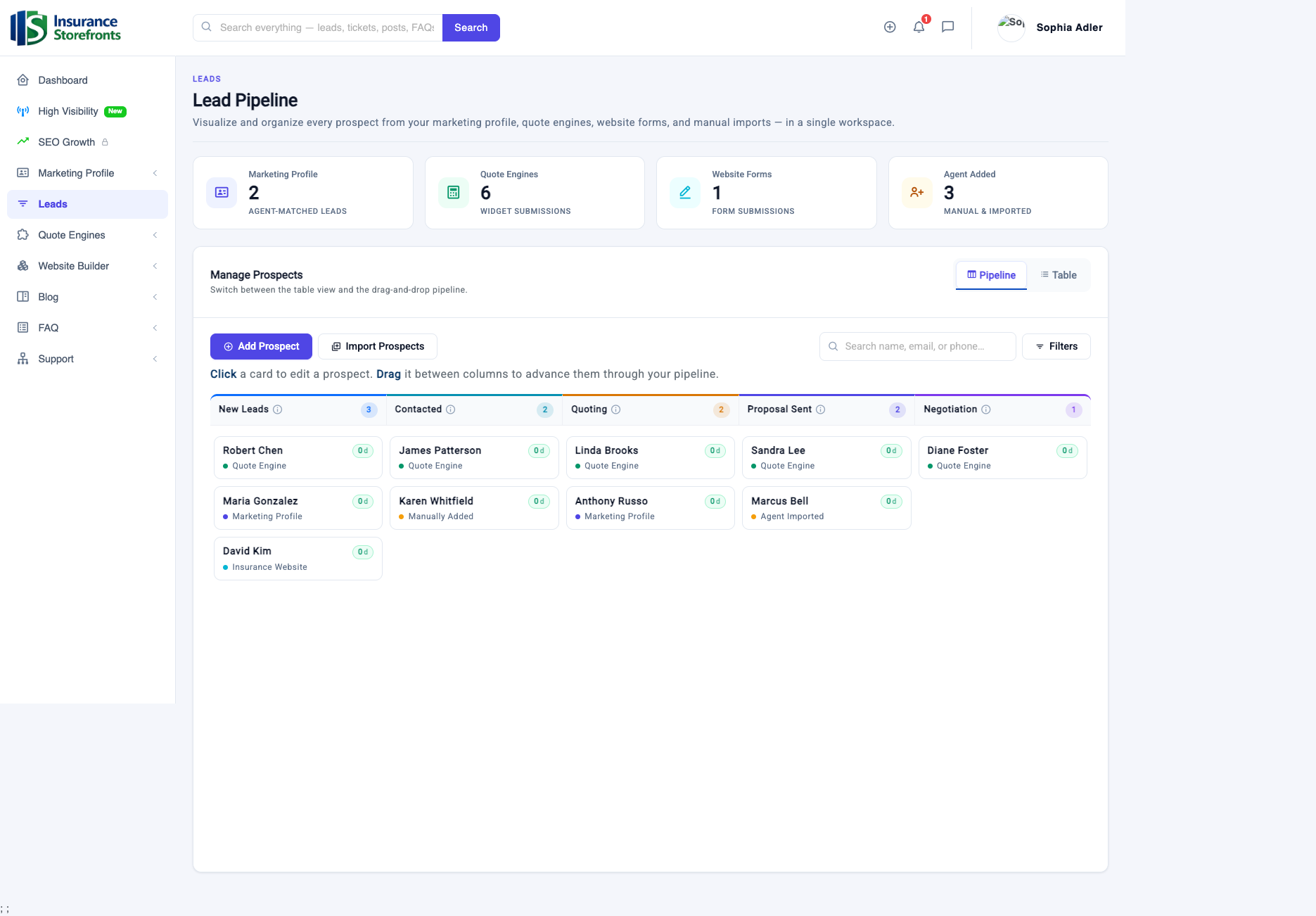
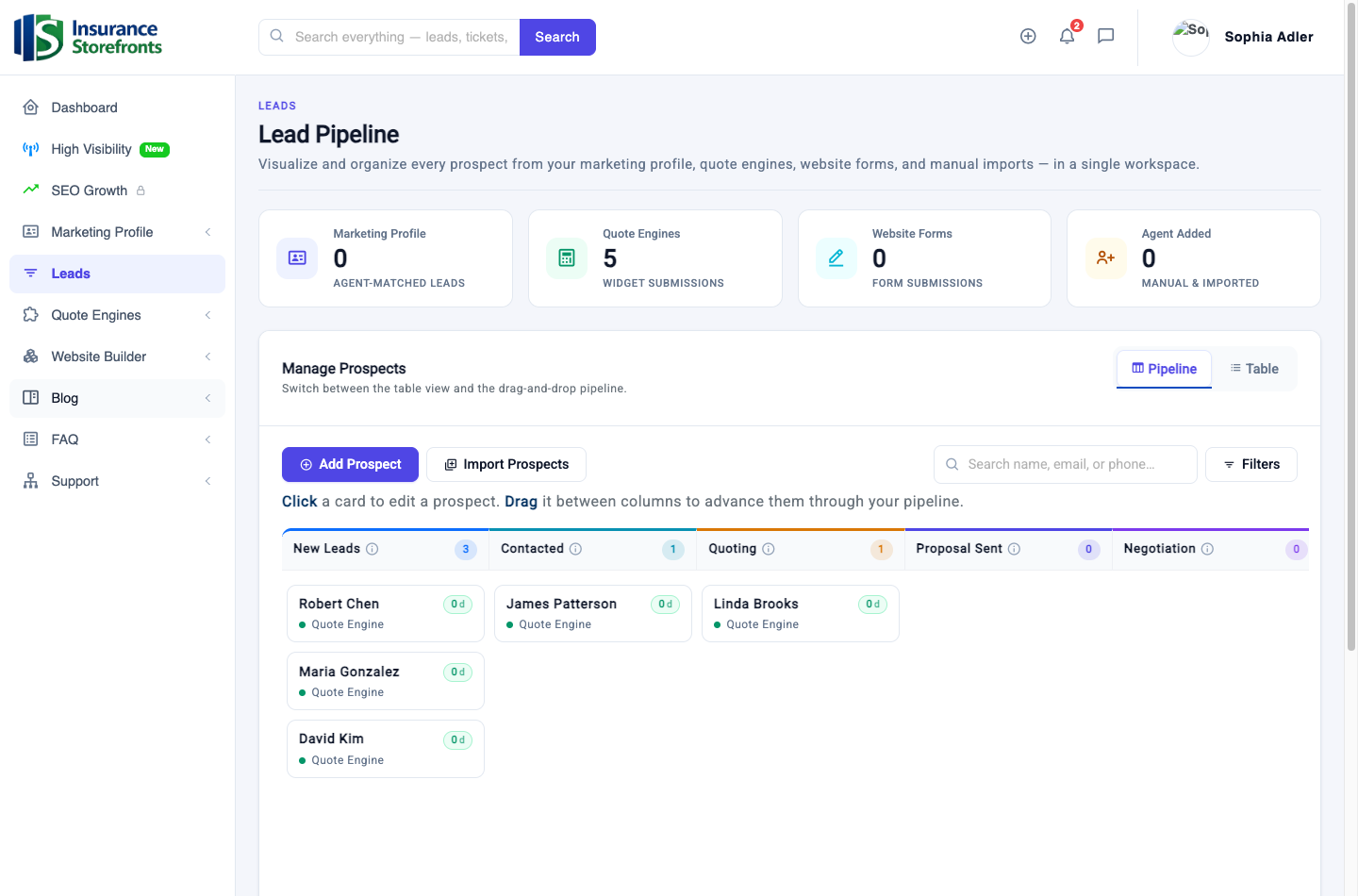
- Leads dashboard integration: Every lead captured by your quote engines also automatically lands in your Leads dashboard. This is your built-in CRM where you can view all the prospect's details, see which engine they used, review any household information they entered, and efficiently work them through your sales pipeline.
Because each engine is directly tied to your individual account, you have exclusive access to these prospects, allowing you to follow up quickly and effectively.
Getting the most leads out of your engines
Your quote engines are powerful tools for lead generation. Here are some best practices to ensure you're getting the maximum number of quality leads:
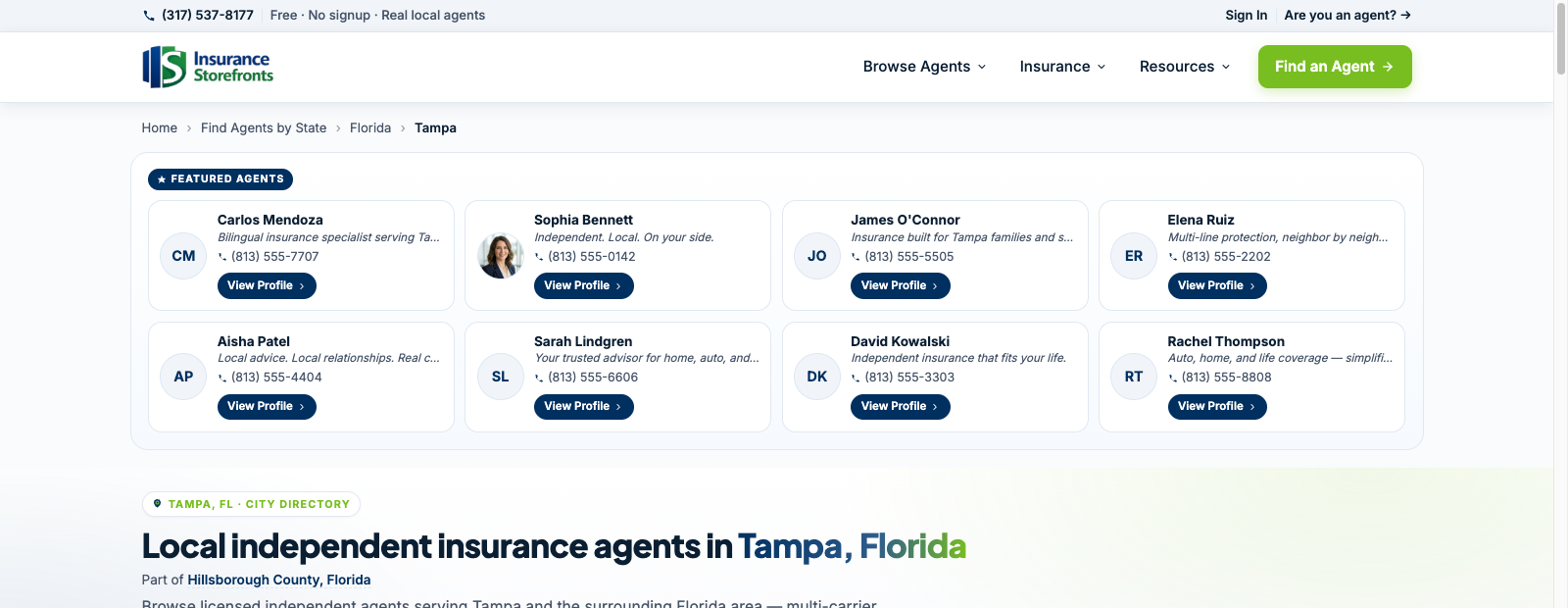
- Display on your marketing profile: Always use the "display on my profile" toggle to show your engines on your public marketing profile. A complete and well-optimized profile that ranks highly will naturally attract more visitors, putting more eyes on your instant quote options.
- Embed on your storefront website: Don't stop at your profile. Embed your quote engines directly onto your storefront website. This provides every visitor with a one-click, straightforward path to getting a quote, making it incredibly easy for them to engage with you.
- Match what you sell and where you're licensed: Build engines that accurately reflect the products you actually sell and the states in which you are licensed. This ensures that the quotes prospects receive are relevant and, most importantly, that the leads you capture are workable and within your scope.
- Run multiple engines: If you sell more than one product (e.g., Medicare and Final Expense), build and display multiple engines. This allows you to capture a broader range of prospects with different insurance needs.
- Turn on SMS alerts: Speed is critical in lead conversion. Turn on SMS alerts so you can respond to new quote requests within minutes. The faster you connect with a prospect, the higher your chances of converting that lead into a client.
- Keep carriers and states up to date: Regularly review and update your licensed states and the carriers you represent in your global settings. This ensures that prospects always see accurate and current plan options, building trust and preventing frustration.
- Follow up fast and work every lead: Don't let leads sit. Make it a priority to follow up quickly with every quote request. Utilize your Leads dashboard to manage and work each lead through your sales process efficiently.
Your quote-engine quick-start checklist
Ready to start generating leads with your own quote engines? Here's a concise checklist to get you going:
- Create an engine for your main product (e.g., Medicare, Term Life).
- Set the states and carriers to match your licenses and appointments.
- Pick a polished design for your engine (especially for ACA Health and Dental).
- Toggle "display on my profile" so visitors can quote instantly.
- Turn on SMS alerts in your settings for instant lead notifications.
- Commit to following up fast and working every lead in your Leads dashboard.
By following these steps, you'll quickly have powerful lead-generating tools working for you 24/7. Your quote engines are designed to bring prospects directly to your door, ready for you to help them find the coverage they need.
Ready to put these ideas to work?
Insurance Storefronts gives you the marketing profile, quote engines, AI website, and SEO tools to attract local prospects on autopilot.